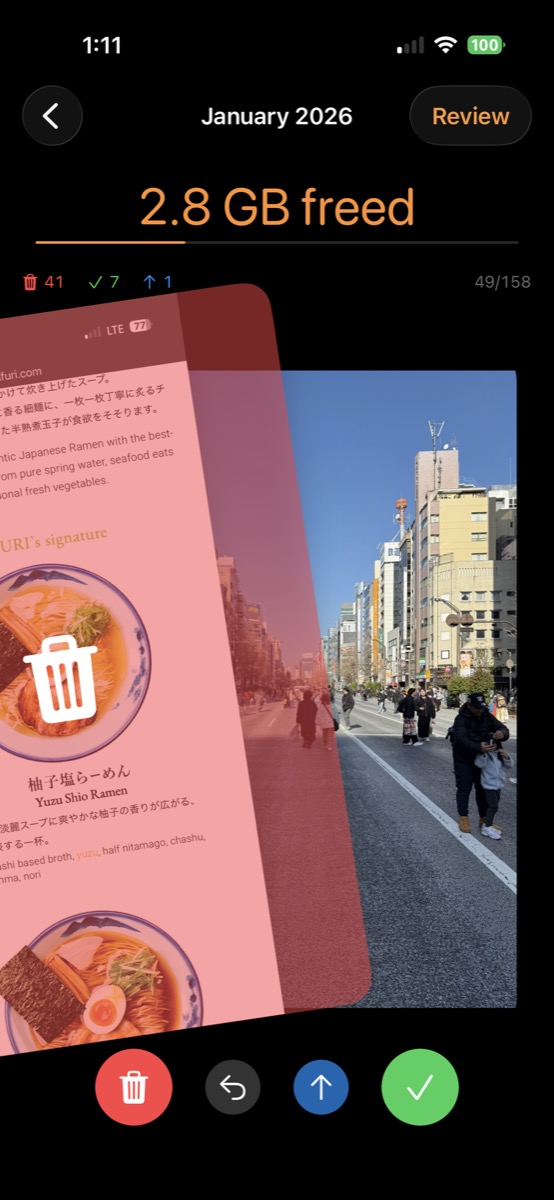
No complicated setup. No AI scanning your entire library. Just a simple swipe.
Your photos organized by month. Start with the oldest or jump to any time period.
Left to delete, right to keep. Review photos as fast as you can swipe.
Watch your storage free up in real time. See exactly how much space you're reclaiming.
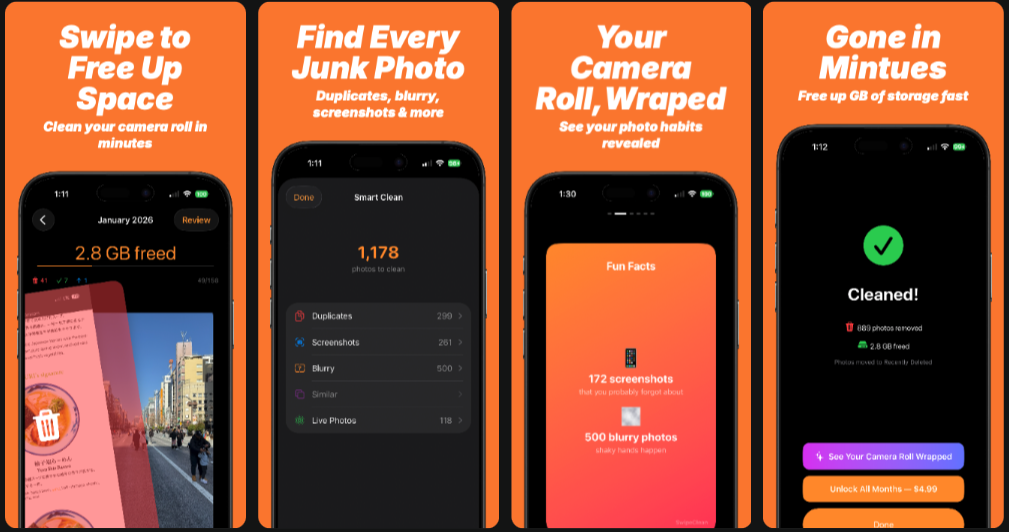
Let the app do the heavy lifting. Smart Clean automatically detects and groups:
One-time purchase. Yours forever.
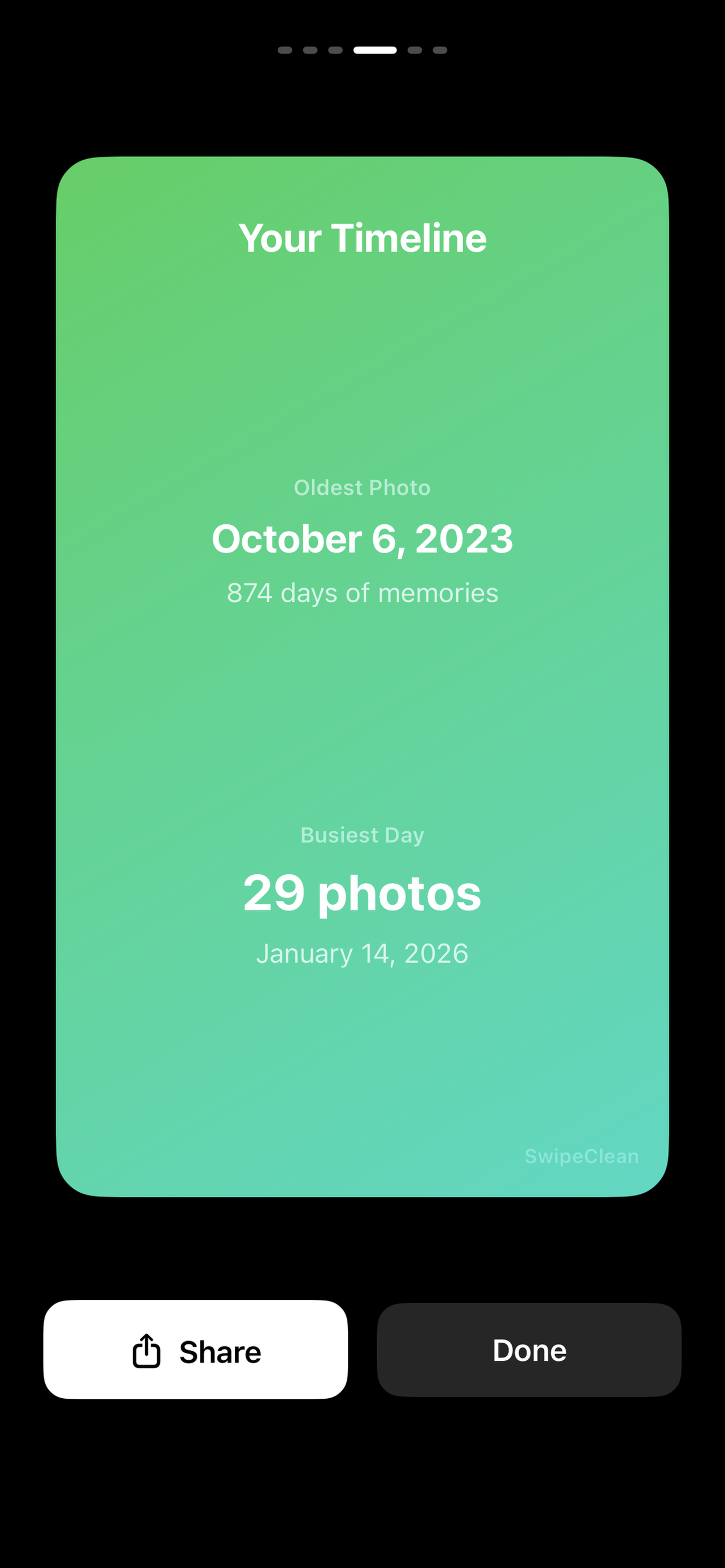
Not $8/week. Not $40/year. Just $4.99.See your photo habits revealed with fun, shareable stats — like Spotify Wrapped, but for your camera roll. Discover your most photographed day, your screenshot-to-photo ratio, and more.
Here's what SwipeClean can do for your camera roll.
Most people clear 5-15GB on their first use just by swiping through old screenshots and duplicates.
The swipe interface is way faster than scrolling through the Photos app trying to select and delete one by one.
Automatically surfaces blurry photos, duplicate screenshots, and similar-looking shots so you don't have to hunt for them.
No account needed. No cloud uploads. Everything happens on your device. Your photos never leave your phone.
Most photo cleaners lock basic features behind expensive subscriptions. We don't.
The biggest storage hog on most iPhones is the camera roll. SwipeClean lets you quickly review every photo by swiping — left to delete, right to keep. Most users free up 5-15 GB on their first session just by removing old screenshots, duplicates, and blurry shots.
SwipeClean's Smart Clean feature automatically detects duplicate and similar-looking photos and groups them together. You can review these groups and quickly swipe away the ones you don't need — no manual hunting required.
Yes — SwipeClean is a one-time purchase of $4.99 with no subscription, no recurring fees, and no in-app purchases. Unlike most photo cleaner apps that charge $8/week or $40/year, you pay once and own it forever.
No. SwipeClean processes everything on your device. Your photos never leave your phone — no cloud uploads, no servers, no account required. Your privacy is fully protected.
Yes. Deleted photos go to your iPhone's "Recently Deleted" album, where they stay for 30 days. You can recover any photo within that window — just like deleting from the Photos app.